
Vectorito
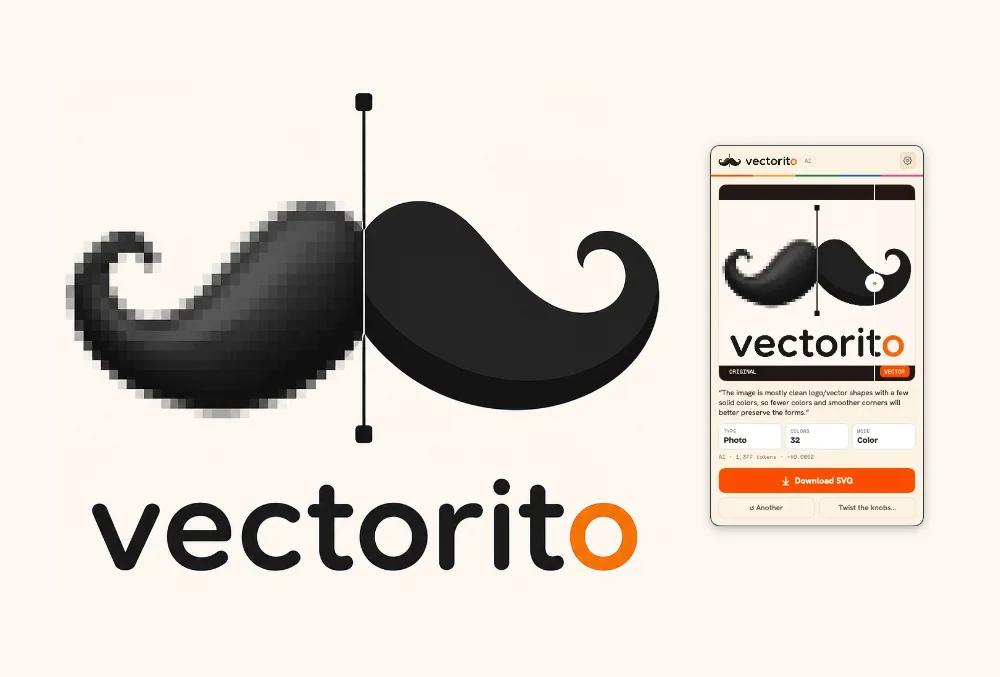
Vectorito
I stopped paying for Adobe. Goodbye, Creative Cloud. I don't miss the monthly bill and I don't miss most of the apps. But there was one thing I used constantly that I couldn't easily replace: Illustrator's Image Trace. Drop in a bitmap, get back clean curved vectors. A logo, a sketch, a screenshot — out the other side as an SVG you can scale forever.
So I built it. It's called Vectorito. It's free, it works, and if you have an OpenAI key it gets smarter.
Drop an image. Get an SVG.
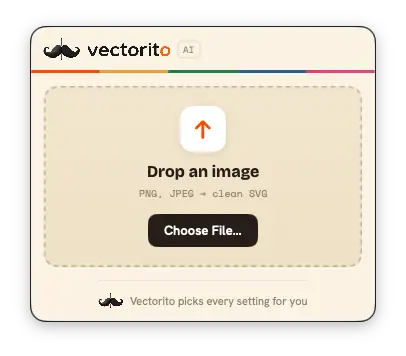
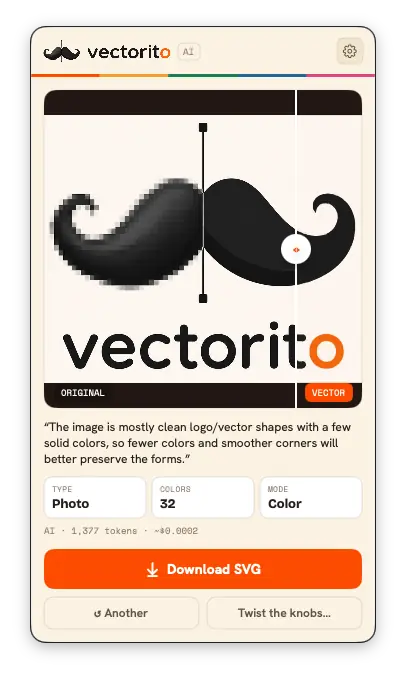
Vectorito lives in your menu bar — the little mustache icon. No Dock icon, no window, no project files. Click it and a compact popover drops down. Drag an image onto it. It reads the picture, picks the best vectorization settings, and shows you a before/after slider. One click downloads the SVG.
It takes files from Finder and image data straight from browsers, Preview, or a screenshot you just took. While it works there's an animated "reading" phase, then the result.
Let the AI pick the settings
This is the interesting part. Set an OpenAI key and a vision model looks at your image before tracing. It chooses the trace parameters — colors, noise, corners, color versus black-and-white — and writes a one-line summary of what it decided and why.
To be clear about what it does and doesn't do: the AI does not draw the vectors. It only tunes the dials. The actual raster-to-vector tracing is done by vtracer, whose 0.6.4 binary is bundled with the app — there's nothing to install. The pipeline is short:
image → AI reads it & picks settings → quantize to N flat colors → vtracer → SVG
That quantize-first step matters. vtracer has no native color-count parameter, so Vectorito flattens the image to N flat colors before tracing. That's what gives you a real "Colors: N" control instead of a vague approximation.
The AI is optional. With no key set, Vectorito makes zero network calls and traces with sensible defaults. It still works. It just doesn't think for you.
Twist the knobs
When the auto-tune isn't quite right, the "Twist the knobs" button opens an analog console — a little board of rotary knobs you turn by hand. Colors, Noise, Corners, Tightness. A Color/B&W rocker, an edge-style control, and color layering. The preview updates live as you turn each dial.
There's a before/after compare slider with scroll-to-zoom from 1× to 8×, so you can get right up against the curves and see how they trace versus the original pixels. When it looks right, download. The SVG is named after the input — logo.png becomes logo-traced.svg.
Install
If you use Homebrew:
brew install --cask jjanisheck/tap/vectorito
Or grab the latest .app from Releases. Vectorito is unsigned, so Gatekeeper may block it on first launch. Right-click the app and choose Open, or run xattr -dr com.apple.quarantine /Applications/Vectorito.app. It needs macOS 13 or later on Apple Silicon.
On privacy
Your image is sent to OpenAI only when a key is set, and only to choose the settings — never to draw anything. The key itself is stored in the macOS Keychain, never written to disk in plaintext. The model id and the price-per-million estimates are editable, and per-image token usage and estimated cost get logged locally to ~/Library/Application Support/Vectorito/usage.jsonl. No key means no network. Full stop.
Free, as in actually free
Vectorito is public domain — released under the Unlicense. No subscription, no account, no catch. The whole thing is on GitHub if you want to read it, fork it, or build it yourself.
I cancelled the subscription that did this for me. Then I built the one feature I missed, gave it an AI brain, and gave it away. That feels like the right trade.

bizqiz
Discover bizqiz, the innovative platform redefining gamified marketing by blending AI-generated content, advanced analytics, and digital rewards for a new era of user engagement.
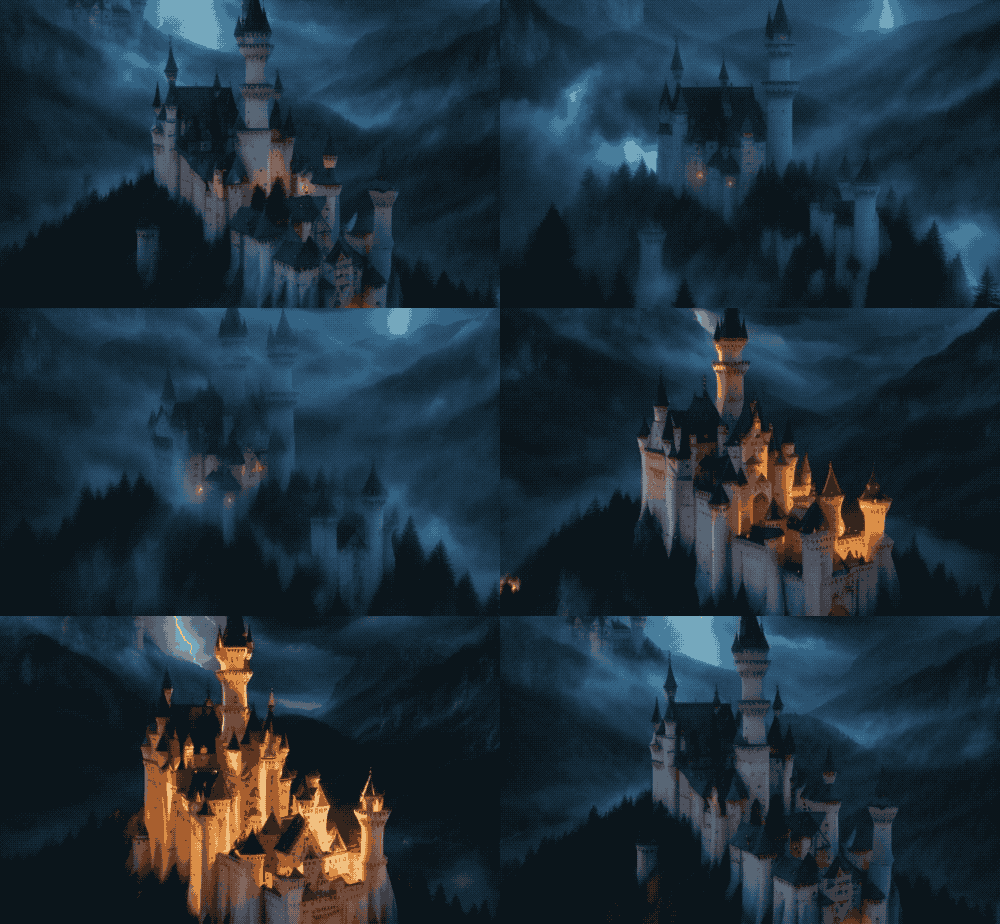
AI Generative Video Comparison
I've been using AI generated images for quite a while, but video has finally caught up to the level of quality as images. I evaluated Krea, Haiper, Pixverse, and Runway GEN 3. Each video was created using specific prompts tailored to showcase different themes and styles.
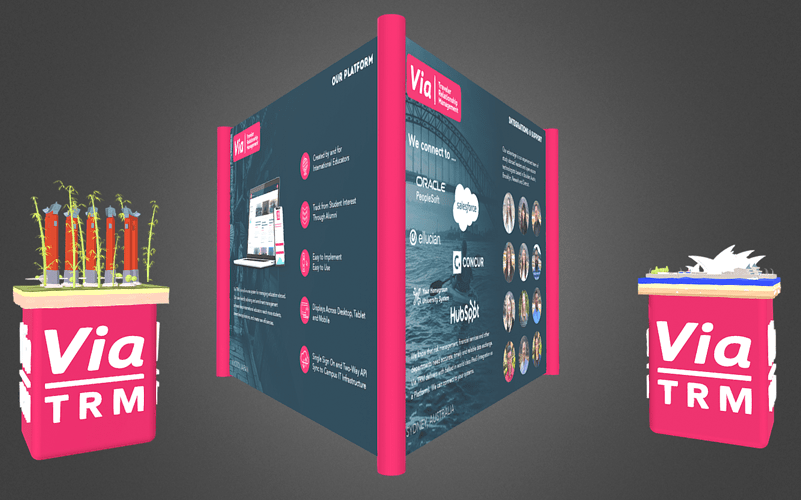
Virtual Booths for Conferences
The future of entertainment and business will be more virtual. We are definitely experiencing it right now, but we'll have better hardware delivered to us. In the meantime, here is a booth I created to promote initiatives at my employer.
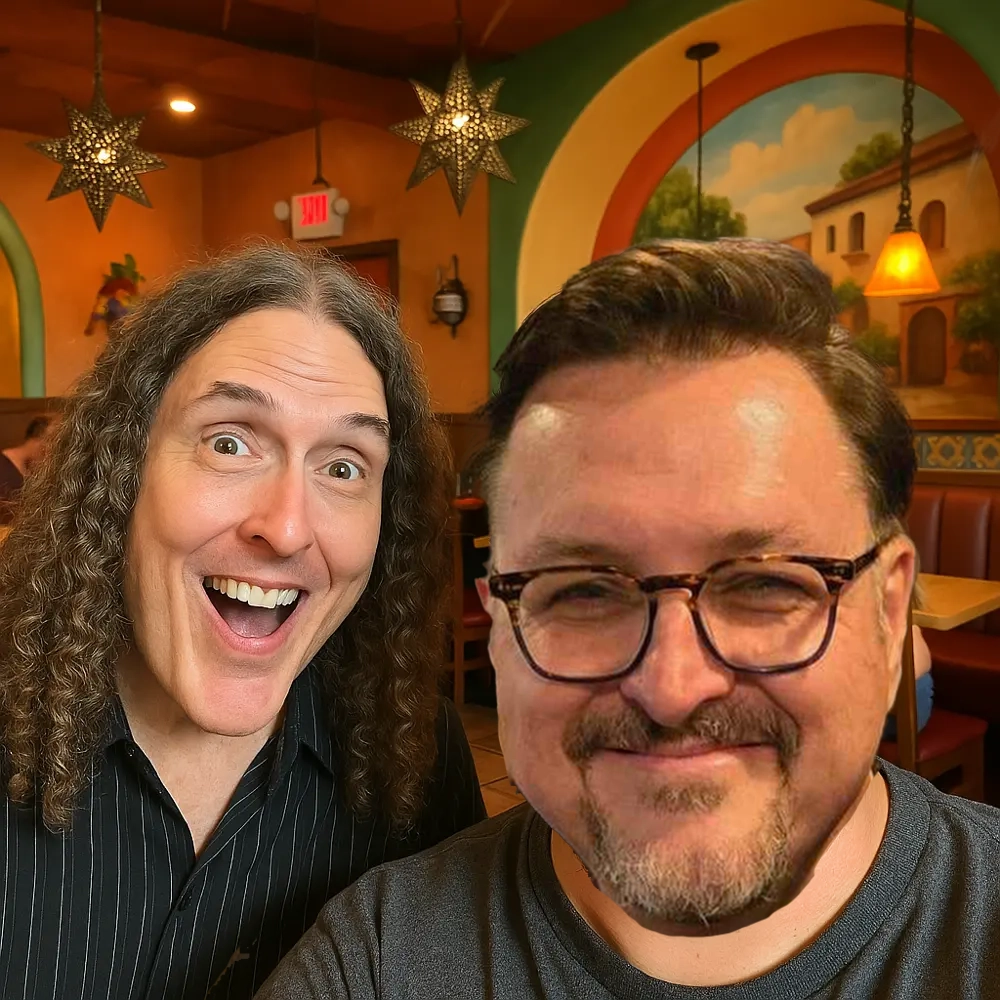
The Day I Almost Had a Selfie with Weird Al
A two decade-old missed photo opportunity with Weird Al Yankovic on Austin's 6th Street gets an AI recreation.
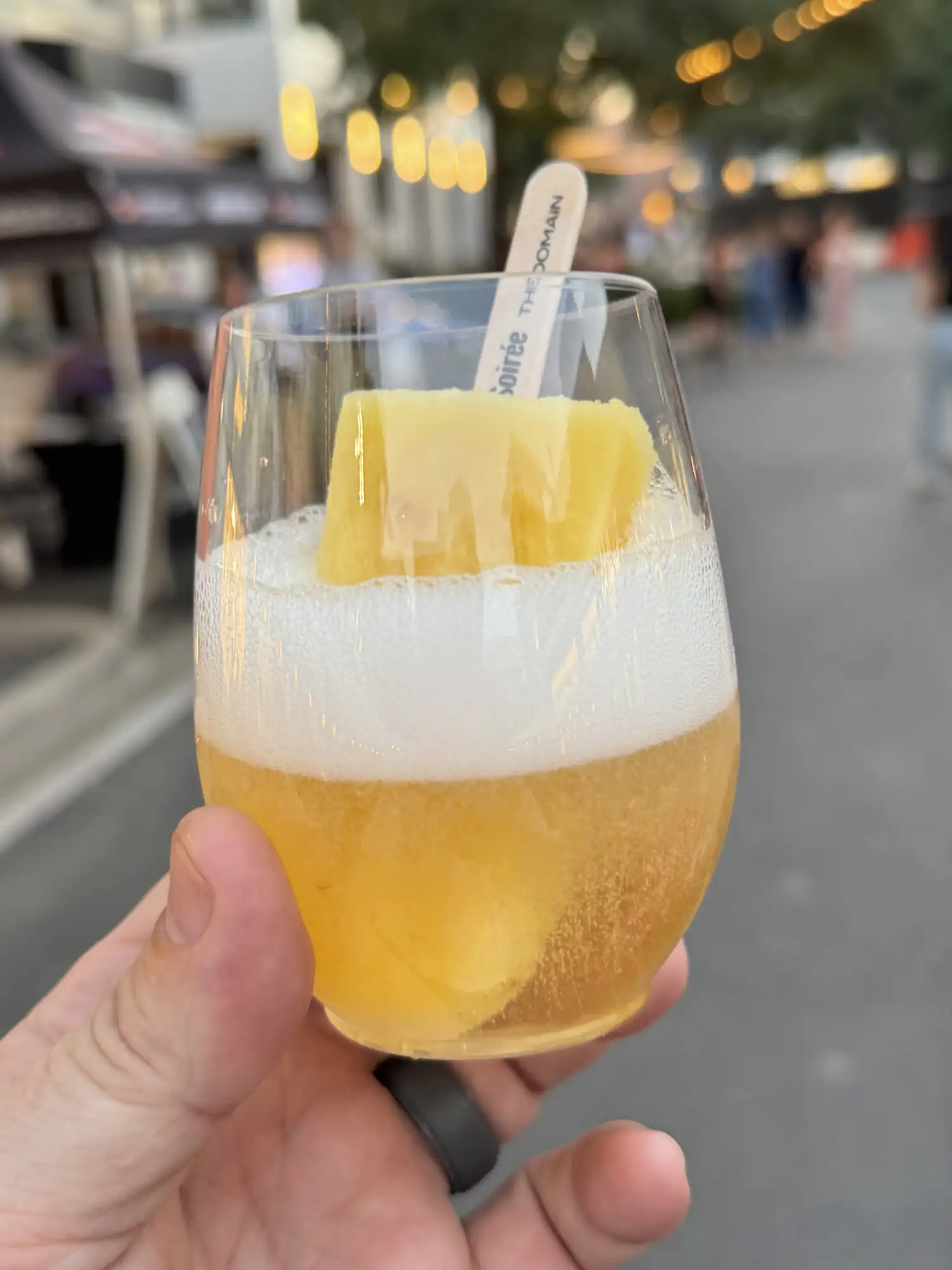
Starlight Soirée at The Domain
An unforgettable evening with my wife at the Starlight Soirée benefiting the UMLAUF Sculpture Garden + Museum.